By Antti Innanen, Dot Legal.
If you have been on LinkedIn lately, you can witness a mini-revolution. Lawyers are starting to code their own tools.
Most of these experiments will never reach production. That misses the point.
Something more important is happening. Lawyers are no longer just shopping for tools. We are starting to build, test, and break things ourselves. In the process, we gain a much clearer sense of what we actually want from legal technology.
Claude Code is in the middle of this revolution.
What is Claude Code?
Claude Code is Anthropic’s relatively approachable code editor. It lowers the barrier for non-developers to work with real code, real files, and real projects.
For lawyers, that matters. You are no longer limited to describing what you want in abstract terms. You can prototype workflows, tweak logic, and see immediately where things work and where they fall apart.
That said, code editors still come with friction. If you are not used to them, they feel alien. Terminals, commands, file trees.
Even with AI assistance, this remains a psychological and practical hurdle for many professionals.
Enter Claude Cowork
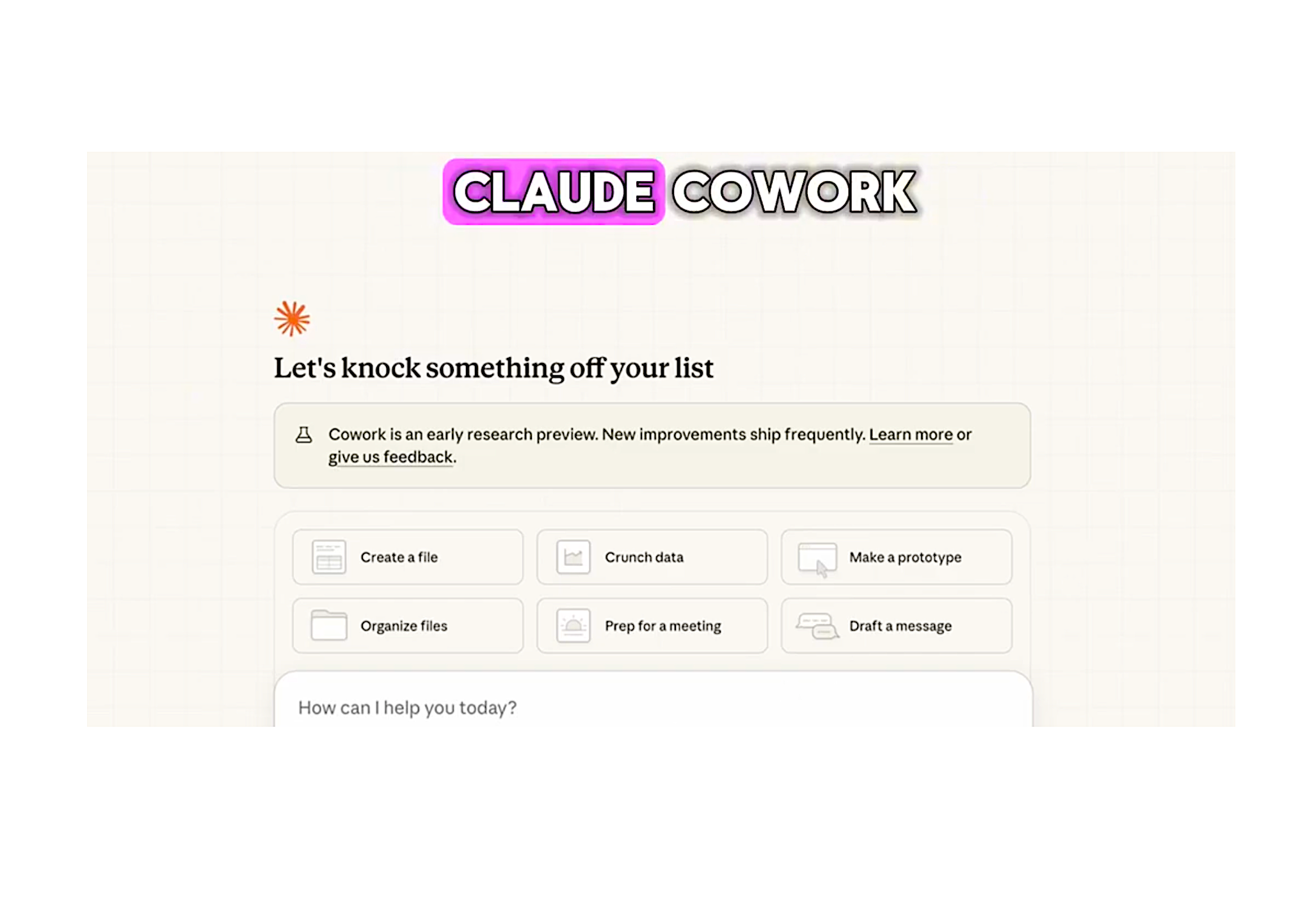
This is where Claude Cowork enters the picture. It is like Claude Code but for regular work.
The interface for Cowork is a new tab in the Claude desktop app, sitting alongside the existing Chat and Code tabs. It looks similar to the desktop interface for Claude Code: you start with a prompt, optionally attaching a folder of files, and it begins work.
The key difference is in the user interface. You give Cowork access to a folder on your computer. Within that folder, Cowork can read, edit, create, rename, and reorganize files.
–
And before you read the rest, here’s a quick video of how it all works.
–
You are not asking Cowork questions. You are giving it tasks.
Cowork represents something significant: a general agent that brings the capabilities of Claude Code to a much wider audience. Cowork is currently available as a research preview for Max plan holders on macOS, with Anthropic planning to expand access over time.
The Folder as Workspace
The underlying logic of Cowork is surprisingly simple.
You give Cowork access to a specific folder on your computer. That folder becomes its entire world. Within that space, it can operate freely, but nowhere else.
This design choice turns out to be crucial, especially for legal professionals.
The folder structure becomes the user interface. It is also the guardrail. And it is the playground.
You control scope by deciding what goes into the folder. You control risk by deciding what stays out. The agent does not need broad system access to be useful. It just needs a well-defined workspace.
For lawyers, this is a big deal. Much of legal work already revolves around carefully bounded contexts. A transaction, a case, a contract set. A due diligence folder.
Cowork fits naturally into that mental model.
Extending Cowork
When you have mastered the basics, you can make Cowork more powerful still.
Claude can use your existing connectors, which link Claude to external information. Anthropic has also added an initial set of skills that improve Claude’s ability to create documents, presentations, and other files.
If you pair Cowork with Claude in Chrome, Claude can complete tasks that require browser access too.
A Practical Example: Disney / 21st Century Fox
In this example, I am playing with Disney’s Acquisition of 21st Century Fox and their publicly available documents.
I set up a matter folder and downloaded five key documents, like merger agreement and proxy statement . This is how it looked before:
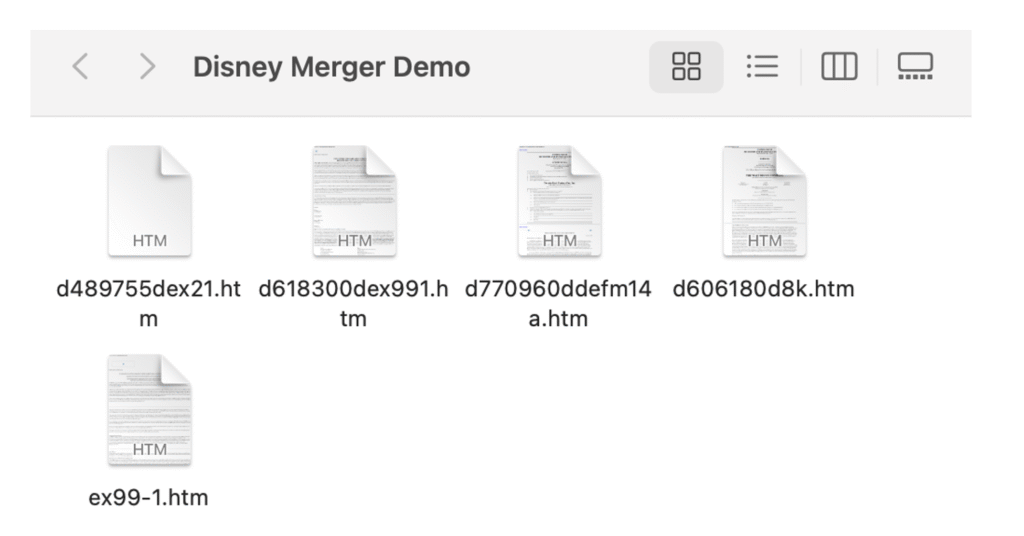
These are not simple files. The proxy statement alone is roughly 300+ pages. The merger agreement is 720 KB of dense legal text.
And these are complex documents. Written by teams of lawyers at Cravath and Skadden. Elite M&A firms. The kind of documents where:
- Key terms are scattered across files. The termination fee is not in the same place as the exchange ratio.
- Critical details are buried in 50-page sections of boilerplate.
- Numbers require context. “$38 per share” versus “$51.57 per share” makes no sense without understanding the tax adjustments and stock split.
- Cross-references are everywhere. “As described in Section 2.02(a)(i)”. Good luck finding that manually.
A junior associate would spend easily 10 hours extracting deal terms and writing a plain-language summary from documents like these.
Giving Claude the Keys
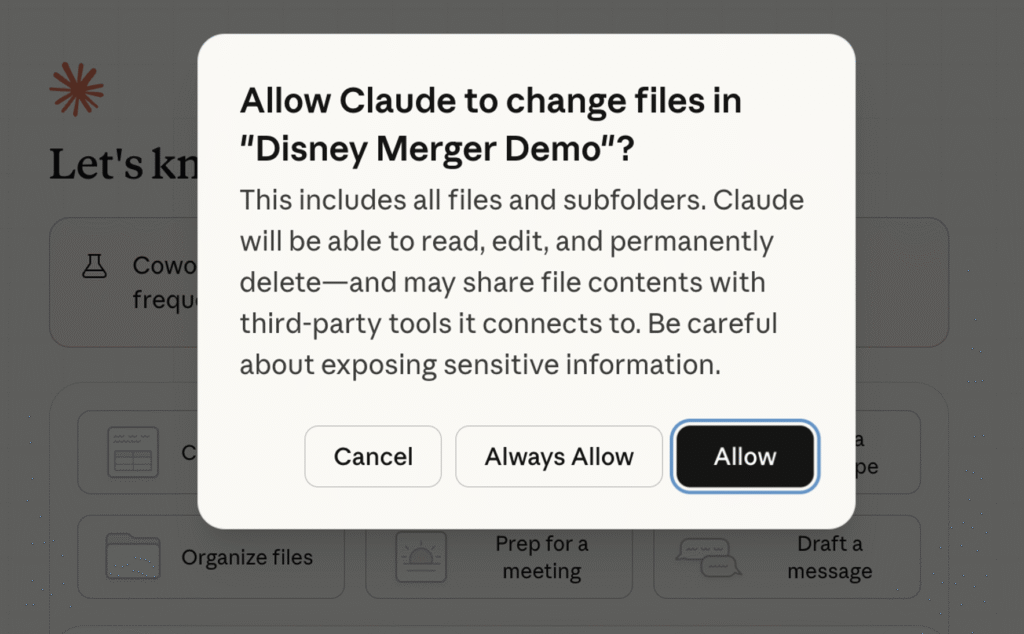
Then I gave Claude Cowork permission to work inside of this folder.
Remember, this is real: Claude can actually make changes to these files. This means that it can lose, rename, or modify the files. There are actual risks, which is why you have to be careful.
It is not theoretical. You give the keys to Claude to do anything with the files.
I prompted three different tasks:
Task 1: Organise Documents Organise these files into subfolders by type (agreement, proxy, press). Rename them consistently with deal names and dates.
Task 2: Summarise Key Deal Terms Extract and summarise: parties to the agreement, transaction value, types of consideration (cash vs stock), closing conditions, termination rights.
Task 3: Generate a Deal Summary Report Create a plain-language report summarising the Disney-21st Century Fox acquisition, explaining the structure of the merger and the rationale given in the proxy.
Orchestration, Not Prompting
Cowork makes lists and then crosses things off the list, much like a human worker would organize their day.
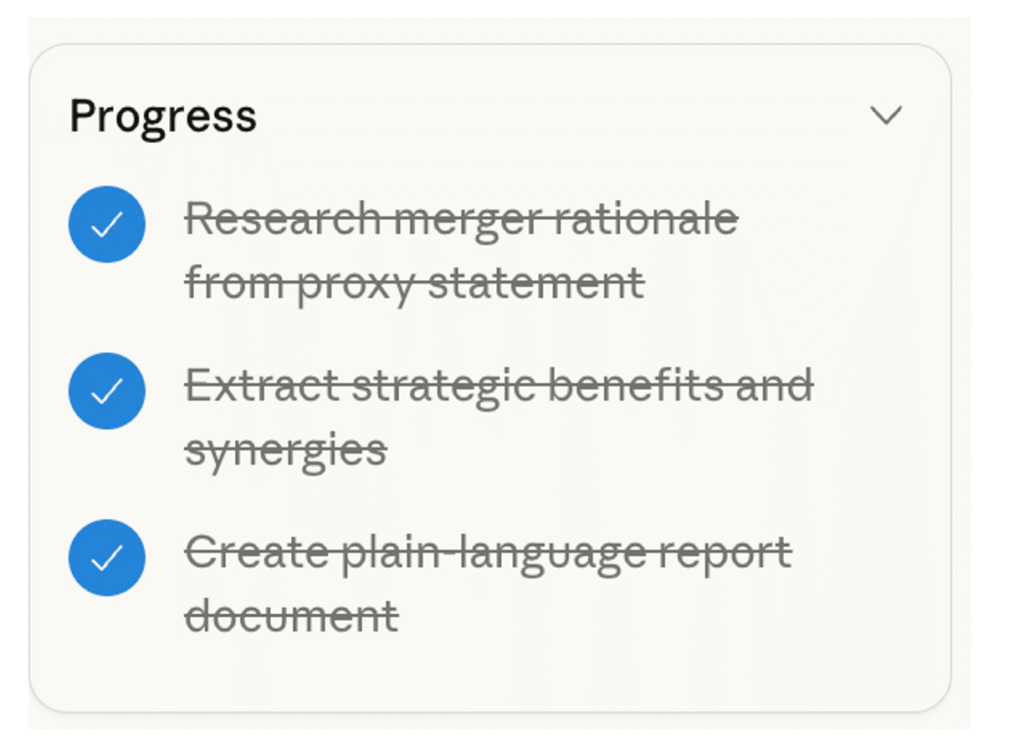
For lawyers, this kind of work is something different than just prompting a tool. This is orchestration.
You are no longer prompting in the abstract. You are supervising work that happens in a concrete environment you can inspect at any time.
In the end, my folder structure looks like this. The files are renamed and organized, the key deal terms are extracted, and there is a plain-language document summarizing the deal.
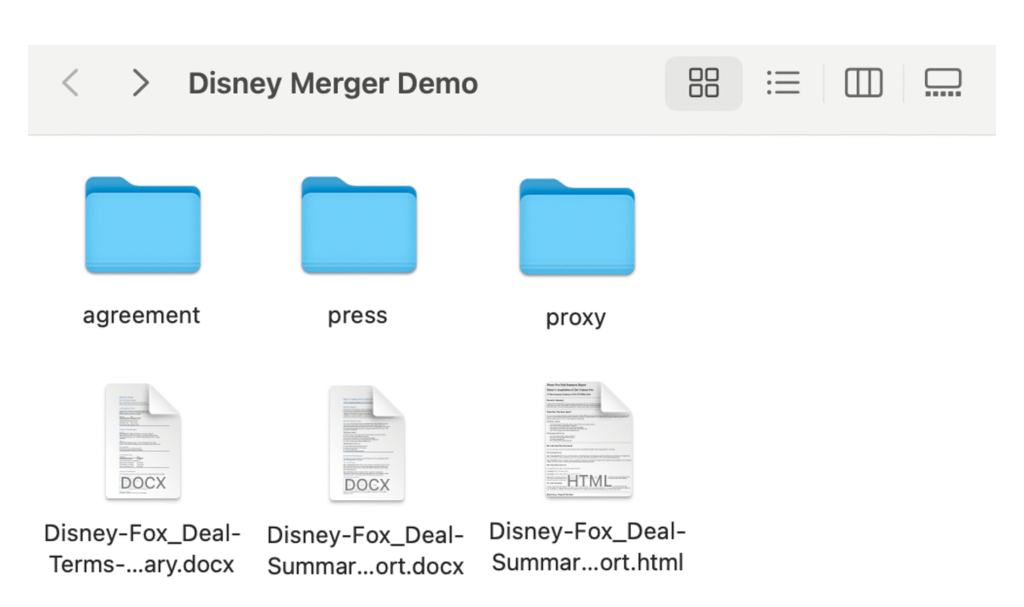
Imagine this kind of work in an M&A deal, for example.
But also imagine when Cowork loses the files, or gets the key details wrong!
A Note on Security
The power of Cowork comes with real responsibilities.
Anthropic addresses this directly in their announcement:
“You should also be aware of the risk of ‘prompt injections’: attempts by attackers to alter Claude’s plans through content it might encounter on the internet. We’ve built sophisticated defenses against prompt injections, but agent safety—that is, the task of securing Claude’s real-world actions—is still an active area of development in the industry.”
Their Help Center offers practical guidance:
- Avoid granting access to folders containing sensitive information, like financial documents
- When using the Claude in Chrome extension, limit access to trusted sites
- If you extend Claude’s default internet access settings, only extend to sites you trust
- Monitor Claude for suspicious actions that may indicate prompt injection
For lawyers, this maps onto familiar territory. You already think carefully about what documents go into a data room, what gets shared with third parties, what stays confidential. The same discipline applies here.
But be careful, especially with client documents. There are some very real risks.
Conclusion
Claude Code shows that lawyers can build. Claude Cowork has the potential to teach orchestration in a legal context.
Taken together, they point toward a future where legal professionals are not just users of AI tools, but orchestrators of workspaces where humans and agents collaborate inside well-defined limits.
What does orchestration actually mean? It means scoping a workspace. Deciding what goes in and what stays out. Writing clear task instructions and organising workflows. Reviewing outputs critically. Knowing when to intervene and when to let the agent work.
These are primarily judgment skills, not technical skills.
We are still early. But the lawyers who learn to orchestrate now will have a significant advantage when these tools mature.
About the author
Antti Innanen is a tech lawyer, legal design enthusiast, and an AI geek. His new book ‘Prompted: How to Create and Communicate with AI‘ is published by Routledge and is out in all platforms. You can find more about Antti and his work here: LEGIT, Dot, and Legal Design School.
You can buy the book here.
—
Discover more from Artificial Lawyer
Subscribe to get the latest posts sent to your email.