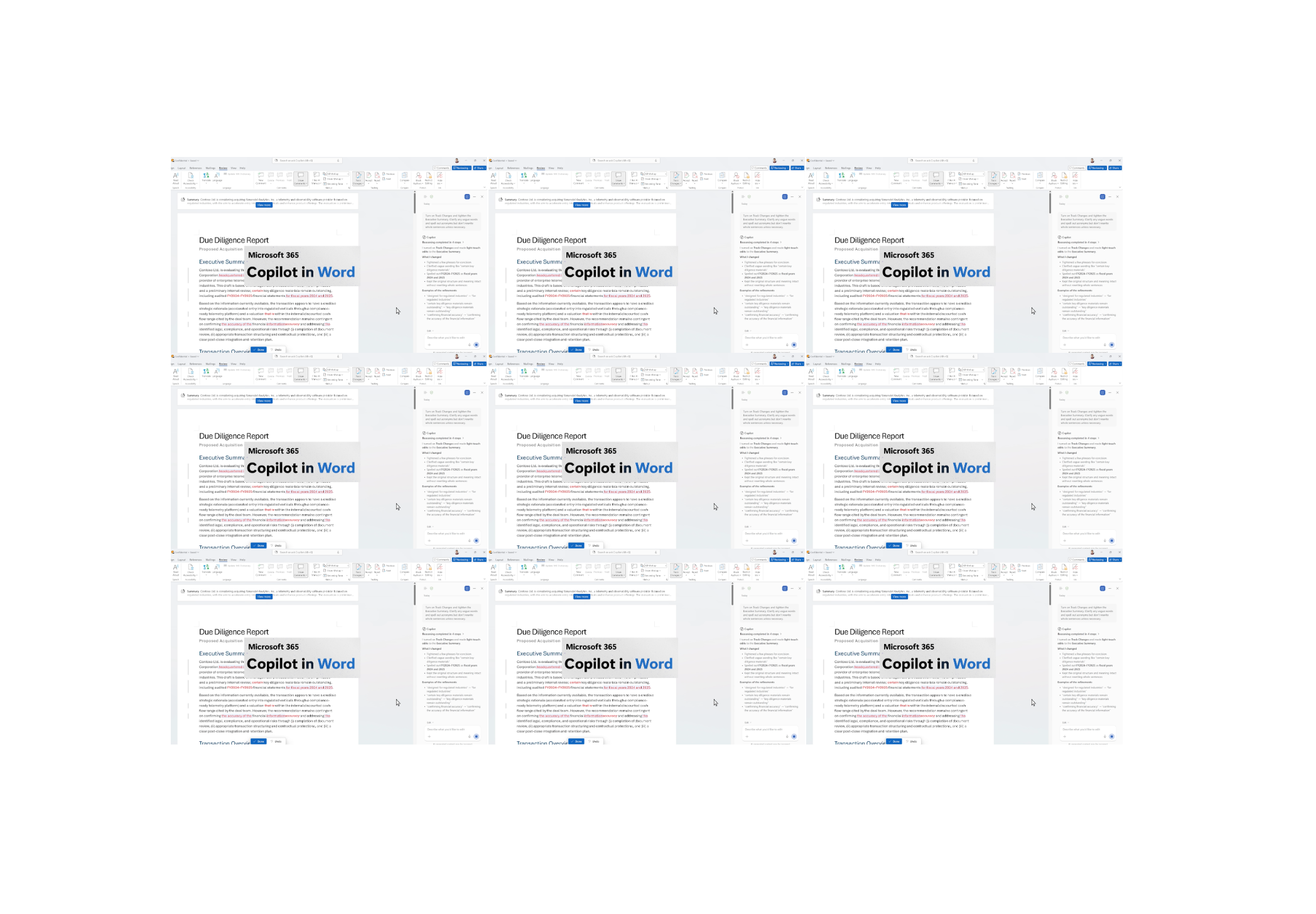
Microsoft Copilot is specifically targeting lawyers as well now with the launch of new capabilities that they state are for ‘legal, finance, and compliance professionals’. A few days ago, Anthropic announced Claude would be available in Word – with lawyers also as its key audience, creating competition with legal AI tools.
With regard to the new capabilities in Copilot, Microsoft states that ‘whether reviewing contracts or finalizing policy documents, Copilot can [now] track changes when an audit trail is needed. This release supports the way professionals work, where document integrity is non-negotiable’.
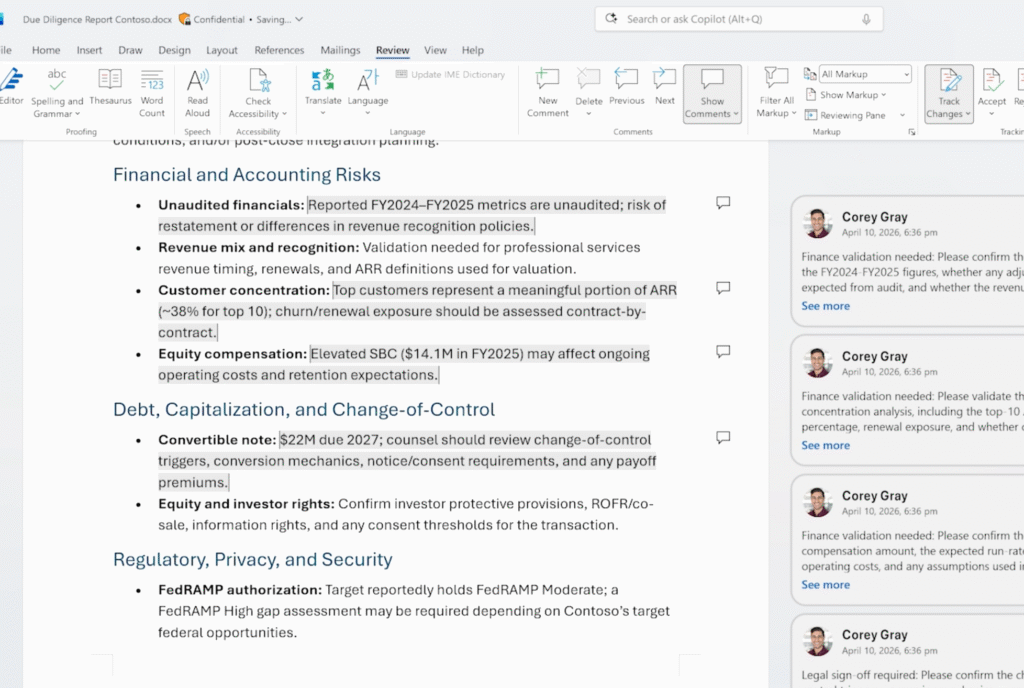
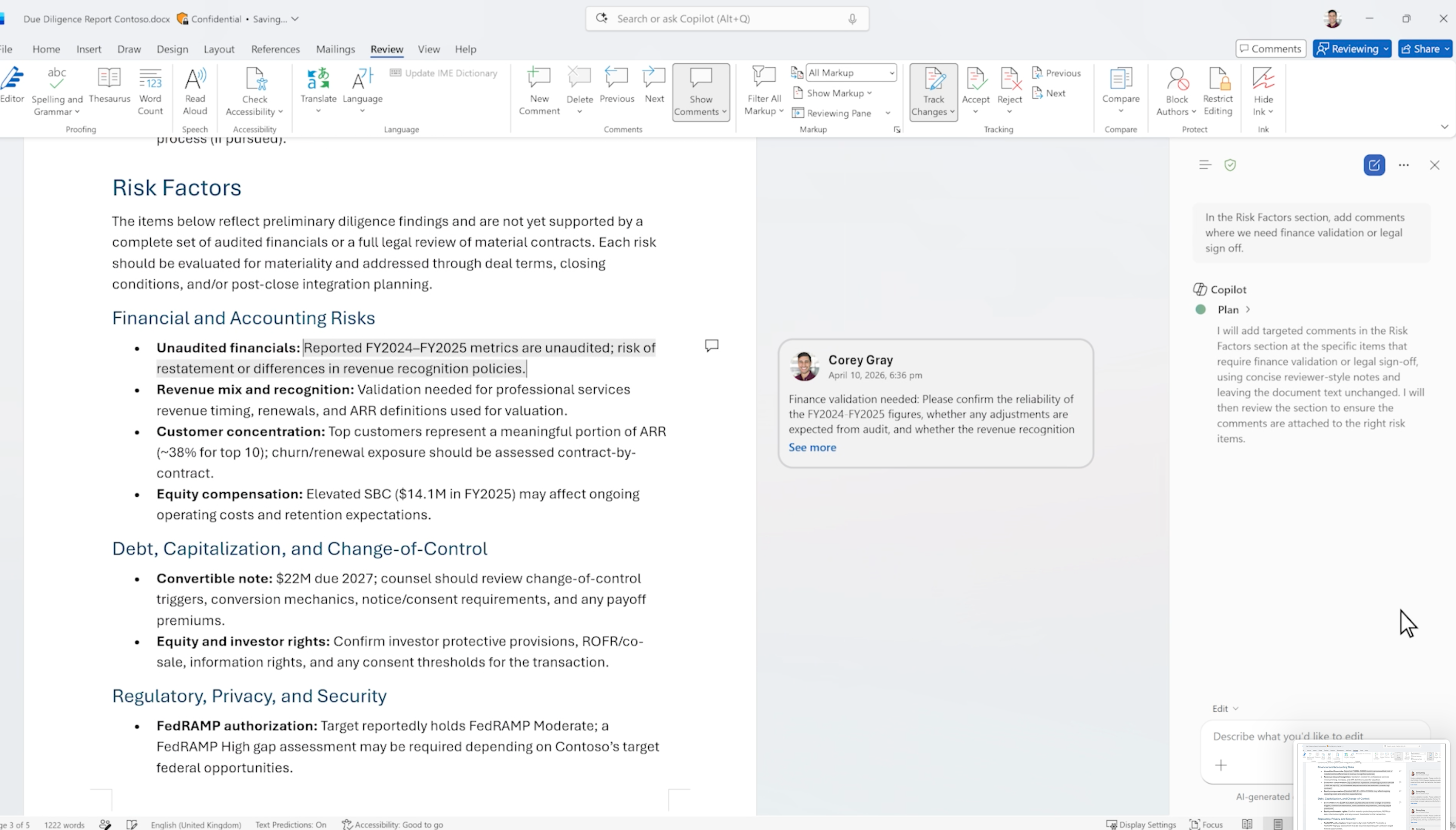
Plus, when it comes to the demo video and screenshots, what example do they choose? They chose making a Due Diligence Report, with a focus on risk. So, yep, this is very much all about lawyers and their work once again – with of course, clear applications to the finance realm as well.
The new offering will be available via Work IQ, but for now only through its Frontier program on the Office Insiders Beta Channel. A Mac version is expected later, they said.
So, what will it do? As noted, although they mention finance, when you look at the details of the offering then lawyers who use AI tools already will immediately feel at home.
They state: ‘Every feature below is native to Word, respects your formatting, and preserves your collaboration history. New features available today include:
- Track Changes with word-level precision. With Copilot in Word, changes are visible by default, and now it is easy to turn track changes on from Copilot, so edits are always transparent, auditable, and granular.
- Contextual comments. Add, read, reply to, and manage comment threads anchored to the correct text with Copilot, keeping collaboration context intact.
- Table of Contents. Insert and update tables of content using Word’s built-in heading types. Structure stays accurate as the document evolves.’
And you can also:
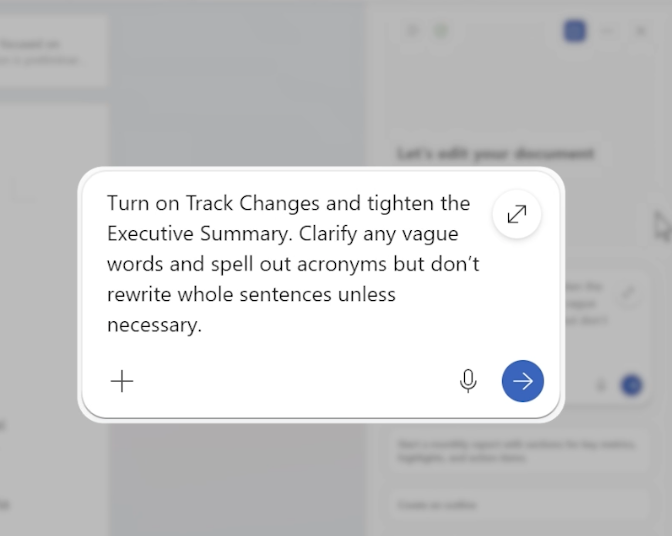
1. ‘Revise with precision. Turn on Track Changes and tighten the Executive Summary. Clarify any vague words and spell out acronyms but don’t rewrite whole sentences unless necessary.
2. Flag items for review. In the Risk Factors section, flag anything that’s unclear and add comments where we need Finance validation or legal sign-off based on what came up in last week’s review meeting.
3. Format for readability. Create a table of content, then add a header with the document title and today’s date, and add page numbers to the footer.
4. Review pending changes. Go through all unresolved tracked changes and comments and create a short ‘Review Summary’ section at the top that captures (1) proposed changes in the document and (2) open questions from comments.’
And note the ‘Risk Factors section’ designed to help with ‘legal sign-off’. They could not be more explicit in their intentions here.
–
On one level you could say, ‘Well, I have Copilot already….’ But, the key thing here is that they’ve added these extra Word capabilities that work directly with Copilot. Also, it’s understood that these days Copilot is not just working via OpenAI’s LLMs, but it has also tapped what Anthropic is offering. For example, Microsoft already provides a direct link to Claude Cowork, see here:
‘Working closely with Anthropic, we have integrated the technology behind Claude Cowork into Microsoft 365 Copilot. It is this multi-model advantage that makes Copilot different. Your work is not limited by one brand of models. Copilot hosts the best innovation from across the industry and chooses the right model for the job regardless of who built it. This is a pattern of work that will only become more powerful as new models and ways of working emerge.’
Is this a big deal?
In a nutshell what this does is make it easier to stay in Word and Copilot. And that’s a big deal, because legal tech wants you to go to their product, or at least use their plugin.
If you don’t need to do that, if Copilot is tapping LLMs usefully inside Word and you get all the usual track changes, then some lawyers will just stay where they are.
For now, this is on limited release. But it will get noticed. It also comes at the same time that Claude is now available inside Word. And the funny thing here is that they actually announced this new Copilot offering on April 8th, but the Claude news totally overshadowed it.
Lawyers now have plenty of choices:
- Legal tech tools with their own environment,
- Legal tech tools with plugins to Word
- Claude in Word
- and an improved Copilot and Word experience.
And all of these possibilities are – to a greater or lesser degree – operating off the same foundational LLMs.
In short, more competition between multiple pathways to the result you want: a reviewed document. And we can bet that there is more to come.
P.S. one last thing: is this the result of the Robin AI team that joined Microsoft a few months ago?
—
Legal Innovators – California and Paris – June
You can now do express registration to join Legal Innovators California and Legal Innovators Europe in Paris this June.
A Legal Tech Conference For All of Europe
Legal Innovators Europe – Paris – June 24 and 25.
Express route to your ticket here.

And,
Express route to your Legal Innovators California June 10th and 11th ticket here.
Legal Innovators California, the landmark West Coast legal tech event, will take place on June 10 and 11, in the heart of the Bay Area, the home to many of the world’s leading AI businesses – and plenty of legal tech pioneers as well! More information and tickets here.

—
Discover more from Artificial Lawyer
Subscribe to get the latest posts sent to your email.